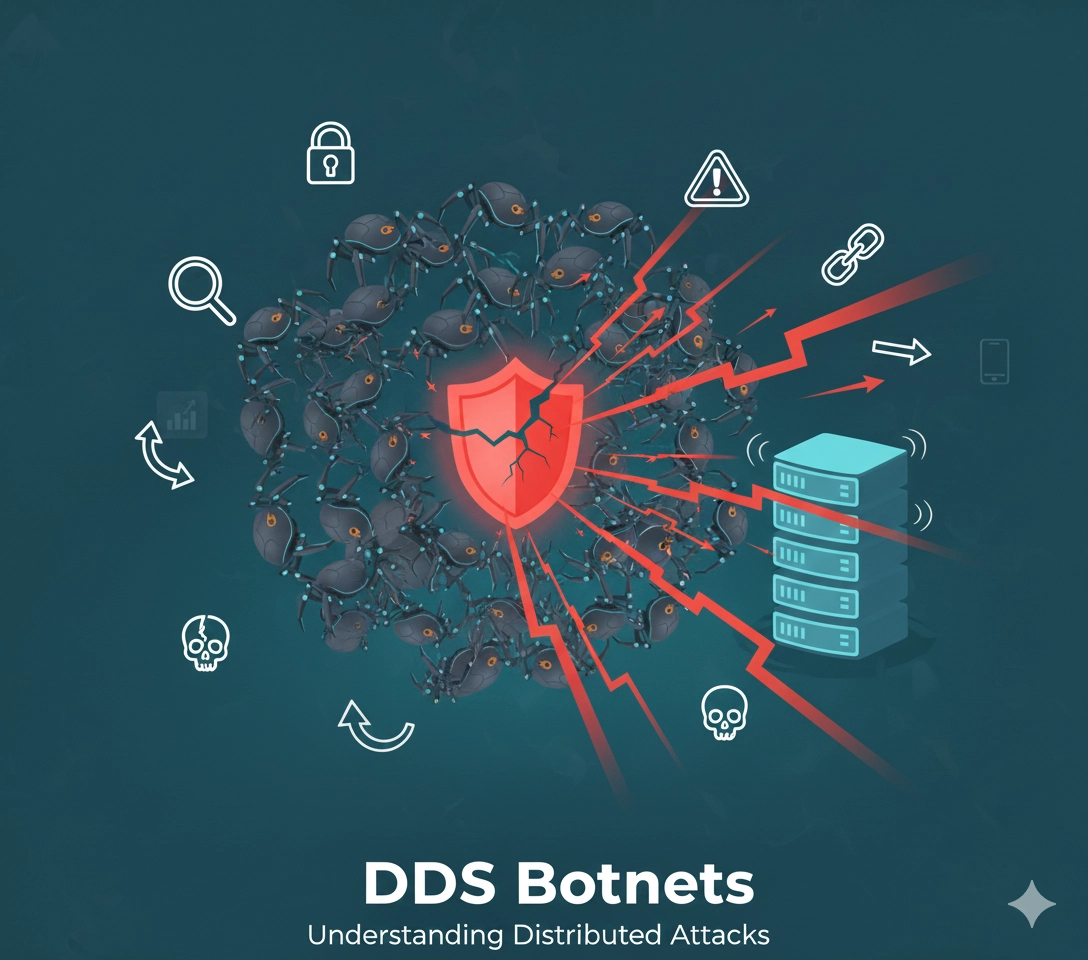
What are DDoS Botnets?
A DDoS (Distributed Denial of Service) botnet is a network of compromised computers or IoT devices used to overwhelm websites with traffic, making them unavailable to legitimate users.
How DDoS Attacks Work
- Infection: Attackers compromise devices with malware
- Command & Control: Infected devices connect to C&C servers
- Coordination: Attacker sends commands to botnet
- Attack: Thousands of bots flood target simultaneously
- Disruption: Legitimate traffic can’t reach the site
Types of DDoS Attacks
Volume-Based Attacks
Overwhelm bandwidth with massive traffic:
- UDP floods: Random UDP packets
- ICMP floods: Ping flood attacks
- Amplification attacks: DNS/NTP reflection
Protocol Attacks
Exploit server resources or network equipment:
- SYN floods: Half-open TCP connections
- Ping of Death: Malformed packets
- Smurf attacks: ICMP amplification
Application Layer Attacks (Layer 7)
Target web application resources:
- HTTP floods: Massive GET/POST requests
- Slowloris: Keep connections open slowly
- Zero-day exploits: Target application vulnerabilities
Common Botnet Types
Mirai Botnet
- Targets IoT devices (cameras, routers)
- Uses default credentials
- Massive DDoS capabilities
- User agents: Often mimics legitimate devices
Meris Botnet
- Exploits MikroTik routers
- Record-breaking attacks
- HTTP/S floods
Emotet/TrickBot
- Banking malware turned DDoS tool
- Self-propagating
- Modular capabilities
Detection Signs
Traffic Patterns
- Sudden traffic spikes (10x-1000x normal)
- Traffic from unusual geographic locations
- Single IP or subnet sending massive requests
- Identical user agents in bulk
Performance Indicators
- Slow site performance
- Timeouts and connection errors
- Server CPU/memory at 100%
- Network bandwidth saturated
Request Characteristics
# Suspicious patterns:
- Same User-Agent across thousands of IPs
- Requests to non-existent pages
- Malformed HTTP headers
- Missing headers (Host, Accept, etc.)
- Very short sessions
How to Detect DDoS Bots
1. Analyze User Agents
Attack bots often use:
- Default library strings (Python-urllib, Go-http-client)
- Outdated browsers (IE 6.0)
- Identical agents across many IPs
- Malformed or missing agents
2. Check Request Patterns
# Find top requesting IPs
awk '{print $1}' access.log | sort | uniq -c | sort -rn | head -20

# Check user agent distribution
awk -F'"' '{print $6}' access.log | sort | uniq -c | sort -rn
3. Geographic Analysis
- Traffic from unexpected countries
- Many requests from hosting providers
- Residential IPs behaving like servers
4. Behavioral Analysis
DDoS bots typically:
- Don’t execute JavaScript
- Don’t load images/CSS
- Don’t accept cookies
- Have no referrer
- Request at mechanical intervals
Defense Strategies
Immediate Response
1. Enable DDoS Protection
- Cloudflare “I’m Under Attack” mode
- AWS Shield
- Azure DDoS Protection
- Google Cloud Armor
2. Rate Limiting
# Nginx rate limiting
limit_req_zone $binary_remote_addr zone=ddos:10m rate=10r/s;
limit_req zone=ddos burst=20 nodelay;
limit_conn_zone $binary_remote_addr zone=addr:10m;
limit_conn addr 10;
3. Block Attack Sources
# Block IP range
iptables -A INPUT -s 192.168.1.0/24 -j DROP

# Block country (using GeoIP)
iptables -A INPUT -m geoip --src-cc CN -j DROP
Long-term Protection
1. Use CDN/WAF
- Cloudflare
- Akamai
- Fastly
- AWS CloudFront + WAF
2. Implement Rate Limiting
- API rate limits
- IP-based throttling
- Session-based limits
3. Optimize Infrastructure
- Auto-scaling
- Load balancing
- Caching static content
- CDN for asset delivery
4. JavaScript Challenges
<!-- Require JS execution -->
<script>
// Proof of work challenge
// Only real browsers can solve
</script>
5. CAPTCHA Under Attack Show CAPTCHA when:
- Request rate exceeds threshold
- Suspicious user agent detected
- Known attack pattern identified
Monitoring and Alerts
Set up alerts for:
- Traffic spikes (>200% of normal)
- Server CPU >80%
- Error rate increases
- Bandwidth anomalies
- Failed connection attempts
Tools:
- Monitoring: Prometheus, Grafana, Datadog
- Log analysis: ELK Stack, Splunk
- Traffic analysis: Wireshark, tcpdump
Response Plan
Before Attack:
- Choose DDoS protection provider
- Document emergency contacts
- Test failover procedures
- Establish baseline metrics
During Attack:
- Activate DDoS mitigation
- Enable additional rate limiting
- Block attack sources
- Scale up resources if needed
- Communicate with users
After Attack:
- Analyze attack vectors
- Review logs for patterns
- Update security rules
- Document lessons learned
- Improve defenses
Legal Considerations
- DDoS attacks are illegal in most countries
- Document attacks for law enforcement
- Report to ISP and authorities
- Consider cyber insurance
Prevention Tips
- Keep systems updated: Patch vulnerabilities
- Strong authentication: Prevent device compromise
- Network segmentation: Limit attack spread
- Monitor continuously: Detect attacks early
- Plan ahead: Have DDoS protection ready
DDoS attacks are inevitable for popular sites. The key is preparation - have protection in place before you need it, not during an attack.
Understand Your Bot Traffic
Learn which bots access your website with our free bot detection tools. Test robots.txt rules and verify crawler access:
- SEO Bot Checker - Test Googlebot and search engine access
- SEO Tools Bot Checker - Verify Ahrefs, SEMrush access
- AI Bot Checker - Scan for AI training bots
Learn More About Bot Management:
- Understanding Bot Traffic - Distinguish legitimate vs malicious bots
- SEO Bots Guide - Best practices for crawler management
- robots.txt Guide - Configure proper bot access controls