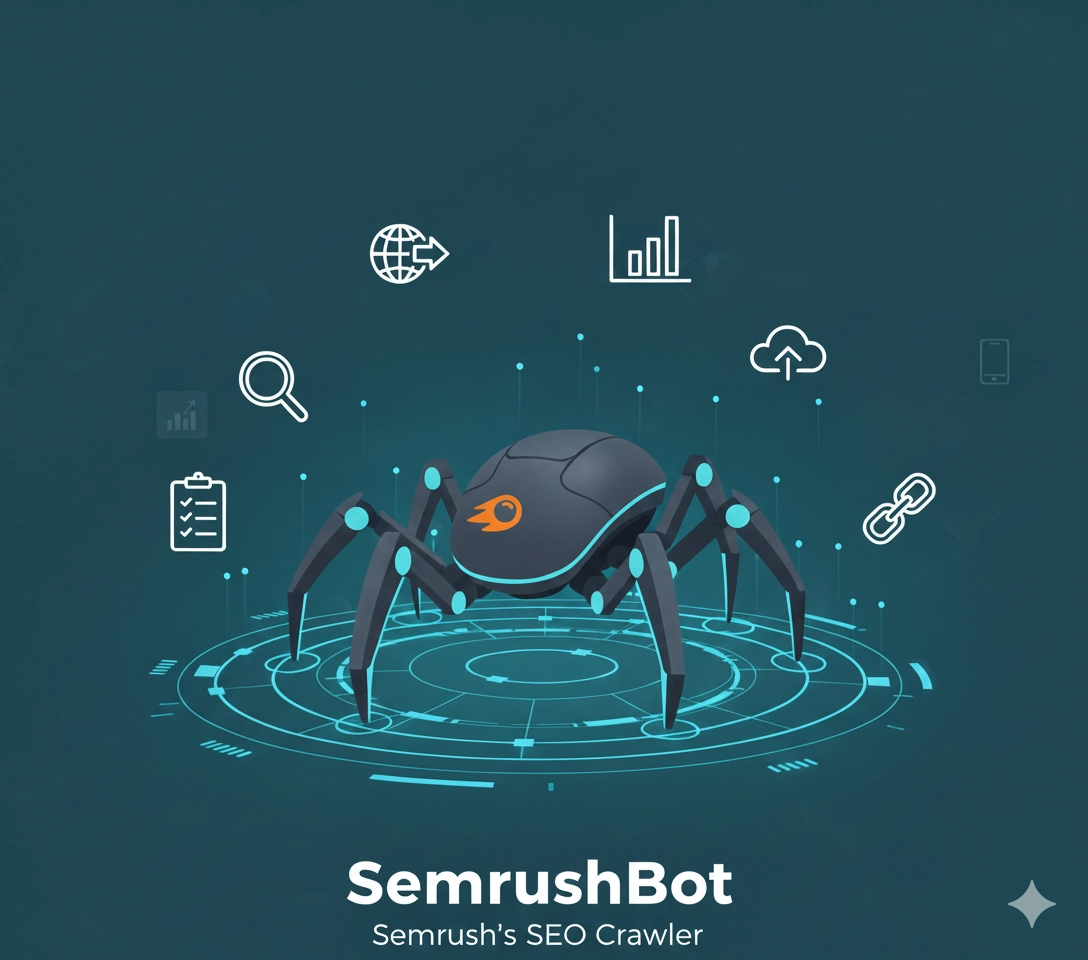
What is SemrushBot?
SemrushBot is the web crawler operated by Semrush, one of the leading SEO and digital marketing platforms. It crawls billions of web pages to build Semrush’s database for competitive research, backlink analysis, and SEO insights.
Purpose of SemrushBot
SemrushBot crawls the web to power Semrush’s suite of tools:
- Backlink analysis: Discover and map link profiles
- Competitive research: Analyze competitor strategies
- Keyword research: Track keyword usage and rankings
- Site audit: Identify technical SEO issues
- Content analysis: Monitor content performance
- Market research: Provide industry insights
How SemrushBot Works
SemrushBot operates similarly to other third-party crawlers:
- Discovers URLs through links, sitemaps, and web exploration
- Crawls pages to collect content and metadata
- Analyzes links to build backlink database
- Tracks changes to monitor content updates
- Indexes data for Semrush’s analytics tools
User Agent
SemrushBot identifies itself as:
Mozilla/5.0 (compatible; SemrushBot/7~bl; +http://www.semrush.com/bot.html)
Variants include:
SemrushBot
SemrushBot-SA (Site Audit bot)
SemrushBot-BA (Backlink Analytics bot)
SemrushBot-SI (Site Index bot)
SemrushBot-SWA (Smart Writer Assistant)
Is SemrushBot Good or Bad?
Pros:
- Legitimate service: Powers valuable SEO tools
- Respects robots.txt: Follows webmaster guidelines
- Well-documented: Clear information about the bot
- Provides value: Helps SEO professionals improve sites
- Generally well-behaved: Reasonable crawl rates
Cons:
- Server resources: Can consume bandwidth and CPU
- Frequent crawling: Active sites may see daily visits
- Competitor intelligence: Provides data to your competitors
- Not a search engine: Won’t improve your search rankings
- Privacy concerns: Exposes your link building strategy
Should You Allow SemrushBot?
This depends on your specific situation:
Allow SemrushBot if:
- You use Semrush for your own SEO research
- You want your backlinks visible in Semrush
- You have sufficient server resources
- You value visibility in SEO tools
- You want comprehensive backlink data
Block SemrushBot if:
- You have limited bandwidth or server resources
- You want to hide your SEO strategy from competitors
- You prefer to keep link profiles private
- You don’t use Semrush tools
- You’re concerned about data privacy
How to Block SemrushBot
Using robots.txt
Block completely:
User-agent: SemrushBot
Disallow: /
Block specific sections:
User-agent: SemrushBot
Disallow: /admin/
Disallow: /private/
Disallow: /internal/
Allow: /
Block specific variants:
# Block only Site Audit
User-agent: SemrushBot-SA
Disallow: /

# Block only Backlink Analytics
User-agent: SemrushBot-BA
Disallow: /
Server-Level Blocking
Nginx configuration:
# Block SemrushBot
if ($http_user_agent ~* (SemrushBot)) {
    return 403;
}
Apache .htaccess:
# Block SemrushBot
RewriteEngine On
RewriteCond %{HTTP_USER_AGENT} SemrushBot [NC]
RewriteRule .* - [F,L]
Crawl Rate and Impact
Typical Activity:
- 500-3000+ requests per day (varies by site size)
- 50-200MB+ daily bandwidth consumption
- Multiple variants may crawl independently
- Crawl frequency depends on site update rate
Resource Impact:
SemrushBot is generally moderate compared to other SEO crawlers:
- Less aggressive than AhrefsBot
- More frequent than Moz DotBot
- Respects crawl-delay directives
Controlling Crawl Rate
1. Robots.txt Crawl-Delay
User-agent: SemrushBot
Crawl-delay: 10
Note: Not all crawlers respect this, but SemrushBot generally does.
2. Rate Limiting
Implement server-level rate limiting:
# Nginx rate limiting
limit_req_zone $http_user_agent zone=semrush:10m rate=10r/m;

if ($http_user_agent ~* "SemrushBot") {
    set $limit_bot 1;
}

if ($limit_bot = 1) {
    limit_req zone=semrush burst=5;
}
3. Contact Semrush Support
For persistent issues, contact Semrush support to:
- Request lower crawl rates
- Report excessive crawling
- Discuss specific concerns
Detecting SemrushBot
1. Check Server Logs
# Find SemrushBot requests
grep -i "semrushbot" /var/log/apache2/access.log

# Count daily requests
grep -i "semrushbot" access.log | grep "18/Nov/2025" | wc -l

# See which pages are crawled most
grep -i "semrushbot" access.log | awk '{print $7}' | sort | uniq -c | sort -rn | head -20

# Check all SemrushBot variants
grep -E "SemrushBot(-SA|-BA|-SI|-SWA)?" access.log
2. Verify Legitimacy
Verify using reverse DNS:
host [IP address]
# Should resolve to *.semrush.com

host [resolved hostname]
# Should return the original IP
Legitimate SemrushBot IPs resolve to:
*.semrush.comdomains- Semrush’s verified IP ranges
3. Monitor Bandwidth Usage
Track bandwidth consumed by SemrushBot:
- Check server monitoring tools
- Analyze access logs for data transfer
- Monitor during peak crawl times
SemrushBot Variants Explained
SemrushBot (Main Crawler)
- General web crawling
- Link discovery
- Content indexing
SemrushBot-SA (Site Audit)
- Technical SEO analysis
- Only crawls sites being audited
- Triggered by Semrush users
SemrushBot-BA (Backlink Analytics)
- Focuses on backlink discovery
- Maps link relationships
- Tracks link changes
SemrushBot-SI (Site Index)
- Maintains Semrush’s web index
- Powers various tools
- Regular recrawling
SemrushBot-SWA (Smart Writer Assistant)
- Content analysis
- SEO writing suggestions
- On-demand crawling
Alternatives to Complete Blocking
If you want to limit but not block SemrushBot:
1. Selective Blocking
User-agent: SemrushBot
Disallow: /wp-admin/
Disallow: /api/
Disallow: /internal/
Allow: /blog/
Allow: /
2. Rate Limiting
- Limit requests per hour/day
- Use crawl-delay directive
- Implement adaptive rate limiting
3. Time-Based Access
# Allow only during off-peak hours
if ($http_user_agent ~* "SemrushBot") {
    set $semrush 1;
}

if ($semrush = 1) {
    # Custom logic for time-based access
}
Comparison with Other SEO Bots
| Feature | SemrushBot | AhrefsBot | Moz DotBot |
|---|---|---|---|
| Crawl frequency | Moderate | High | Low |
| Resource usage | Moderate | High | Low |
| Robots.txt respect | Yes | Yes | Yes |
| Crawl-delay respect | Yes | Partial | Yes |
| Market usage | Very high | Very high | Moderate |
| Data quality | Excellent | Excellent | Good |
Benefits of Allowing SemrushBot
For Your Own Analysis:
- Track your own backlinks
- Monitor competitor strategies
- Analyze your link profile
- Identify link opportunities
For Visibility:
- Appear in Semrush databases
- Be discoverable by SEO professionals
- Showcase your backlink profile
- Demonstrate domain authority
For SEO Community:
- Contribute to SEO data ecosystem
- Help improve industry tools
- Support research and analysis
Business Considerations
Allow if:
- You’re in B2B or B2C marketing spaces
- You want to be discovered by SEO professionals
- You use Semrush yourself
- You have adequate server capacity
- You value comprehensive SEO data
Block if:
- You operate in highly competitive niches
- You want to maintain strategic privacy
- You have limited server resources
- You’ve experienced performance issues
- You don’t benefit from SEO tool visibility
Monitoring Best Practices
Regular Checks:
- Review server logs weekly
- Monitor bandwidth usage
- Check for crawl errors
- Analyze crawl patterns
- Assess server performance impact
Tools to Use:
- Log analysis tools (AWStats, Webalizer)
- Server monitoring (New Relic, Datadog)
- Web analytics platforms
- Custom log parsing scripts
Legal and Ethical Considerations
Your Rights:
- You can block any crawler via robots.txt
- You control access to your content
- You can set terms of service
Best Practices:
- Use robots.txt for clear communication
- Don’t rely solely on blocking (content may be cached)
- Consider rate limiting over complete blocking
- Monitor for robots.txt compliance
Common Issues and Solutions
Issue 1: Excessive Crawling
Solution: Implement rate limiting, contact Semrush support, use crawl-delay
Issue 2: Server Performance Impact
Solution: Optimize server resources, limit crawl scope, schedule crawls
Issue 3: Bandwidth Concerns
Solution: Monitor usage, block large file access, implement adaptive limits
Issue 4: Privacy Concerns
Solution: Block sensitive areas, use robots.txt effectively, consider complete blocking
Future of SemrushBot
As SEO tools evolve, expect:
- More sophisticated crawling algorithms
- Better resource management
- Enhanced respect for webmaster preferences
- Integration with AI-powered analysis
- More granular crawl controls
Conclusion
SemrushBot is a legitimate, well-maintained crawler that powers one of the industry’s leading SEO platforms. Your decision to allow or block it should weigh:
- Value to you: Do you use Semrush tools?
- Competitive concerns: Do you want competitors seeing your data?
- Resource capacity: Can your server handle the crawling?
- Visibility goals: Do you want to be found in SEO tools?
Many sites choose a middle ground: allowing SemrushBot but limiting its access to sensitive areas and implementing reasonable rate limits. This balances the benefits of SEO tool visibility with server resource management and competitive privacy.
Test SemrushBot Access to Your Site
Use our SEO Tools Bot Checker to verify if SemrushBot can access your website. This free tool tests robots.txt rules and actual bot access for SEMrush and other SEO analytics crawlers.
Related SEO Tool Bots:
- AhrefsBot - Ahrefs backlink and SEO crawler
- MJ12bot - Majestic backlink analysis crawler
- DotBot - Moz domain authority crawler
For comprehensive bot testing across all categories, explore our free bot detection tools.